It is not possible to cancel or fully delete a Skills session once the date and time of the session has passed.
This is because a session with a date is in the past is assumed to have taken place.
If you have created a Skills session in error, you can Cancel it ahead of the session start time.
View the Skills Session Details tab and click on the red Cancel Session button.
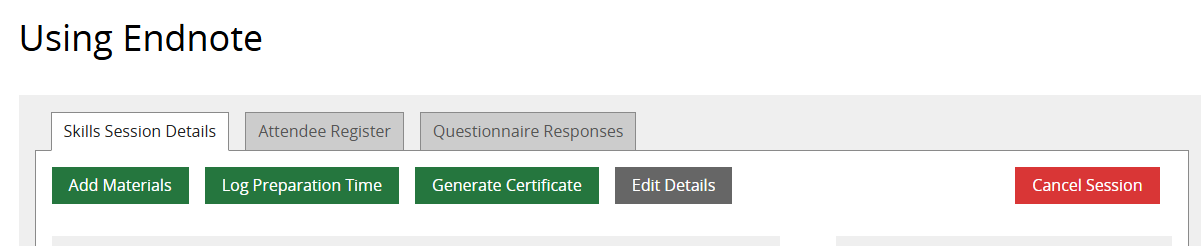
For sessions in the past, a workaround is to edit the session details and change the date and time to be in the future. The Cancel Session button will then become available.
Was this article helpful?
That’s Great!
Thank you for your feedback
Sorry! We couldn't be helpful
Thank you for your feedback
Feedback sent
We appreciate your effort and will try to fix the article