Only staff with LKS Administrator permissions who belong to the Organisation's Primary LKS can add, edit, and delete locations/sites and divisions/departments.
Other LKSs may provide services to the same Organisation and can register members etc, but the Primary LKS has overall responsibility for the Organisation page.
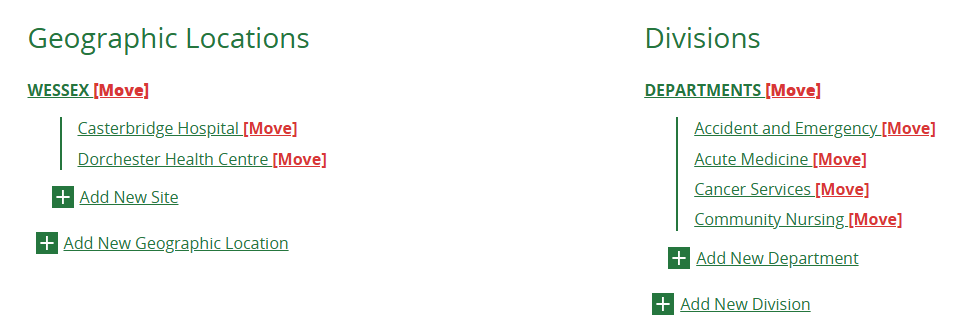
On the Organisation Edit page, this is what you will see as an administrator from the Primary LKS.
This is what you will see if you are not the Primary LKS. (The Organisation details will also be greyed out and uneditable.)
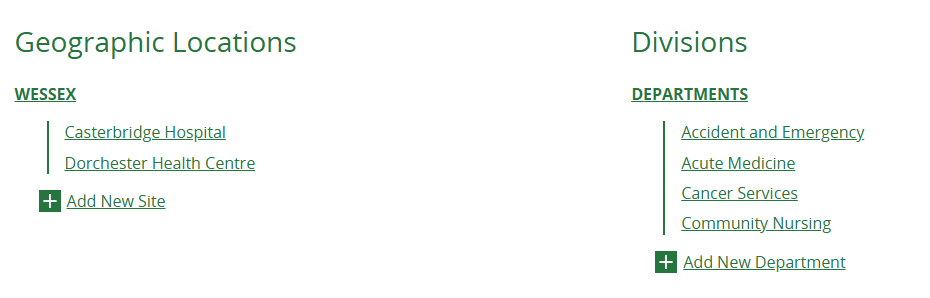 Although the links to add new sites and departments are visible, if you click Add New you will see an error message.

If you think your LKS should be the Primary LKS but this is not currently the case, please submit a ticket to let us know. The Primary LKS is usually the main/largest provider of library services to the Organisation.
Was this article helpful?
That’s Great!
Thank you for your feedback
Sorry! We couldn't be helpful
Thank you for your feedback
Feedback sent
We appreciate your effort and will try to fix the article