You may receive requests to transfer (unassign) Members if they join another library service.
1. On the Member's profile page click on Refuse Transfer if you have a reason the member cannot be transferred such as:
- You know the Member is still working at your trust
- The Member still has an open search on KnowledgeShare
- The Member is booked on to a forthcoming training session on KnowledgeShare
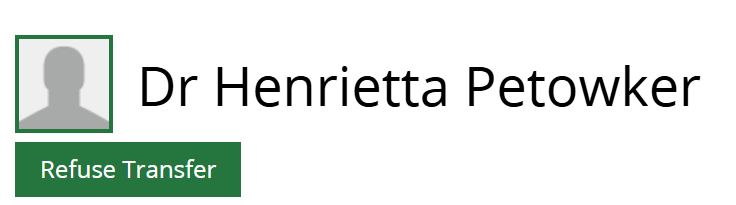
2. Enter details of why the transfer is being refused in the field under: If you wish to cancel the transfer please give a reason why you do not wish to unassign this user? 
3. An email will go to the requesting LKS (using the LKS Email address on the Manage LKS page), giving details why the transfer has been refused and contact details of the Staff member who clicked Refuse Transfer.
Dear Surrey and Sussex Library and Knowledge Services,
Rachel Playforth from Sussex Health Knowledge and Libraries has declined your request to unassign Dr Henrietta Petowker from their Library and Knowledge Service. the reason they have given is the following:
'Henrietta is still working at our trust.'.
If you would like to contact Rachel Playforth to discuss this, please contact them directly:
Email: rachel.playforth@nhs.net
Many thanks for your help,
KnowledgeShare Admin.
------------------------------- Sent out by KnowledgeShare------------------------
See also How to transfer a Member from another Library and Knowledge Service.
Was this article helpful?
That’s Great!
Thank you for your feedback
Sorry! We couldn't be helpful
Thank you for your feedback
Feedback sent
We appreciate your effort and will try to fix the article